Do my photos leave my computer?
No. Your photos, their filenames and your folder structure stay on your disk.
shepherd analyses, scores and writes on the machine it's installed on, with no
upload and no account, and it culls happily with the network access switched off.
The one thing that talks to a server is the licence: activating your key, and
re-confirming it now and then, sends the key, the app version and a device
fingerprint, together with basic information such as the operating
system. No pictures leave your machine.
Will shepherd touch my original files?
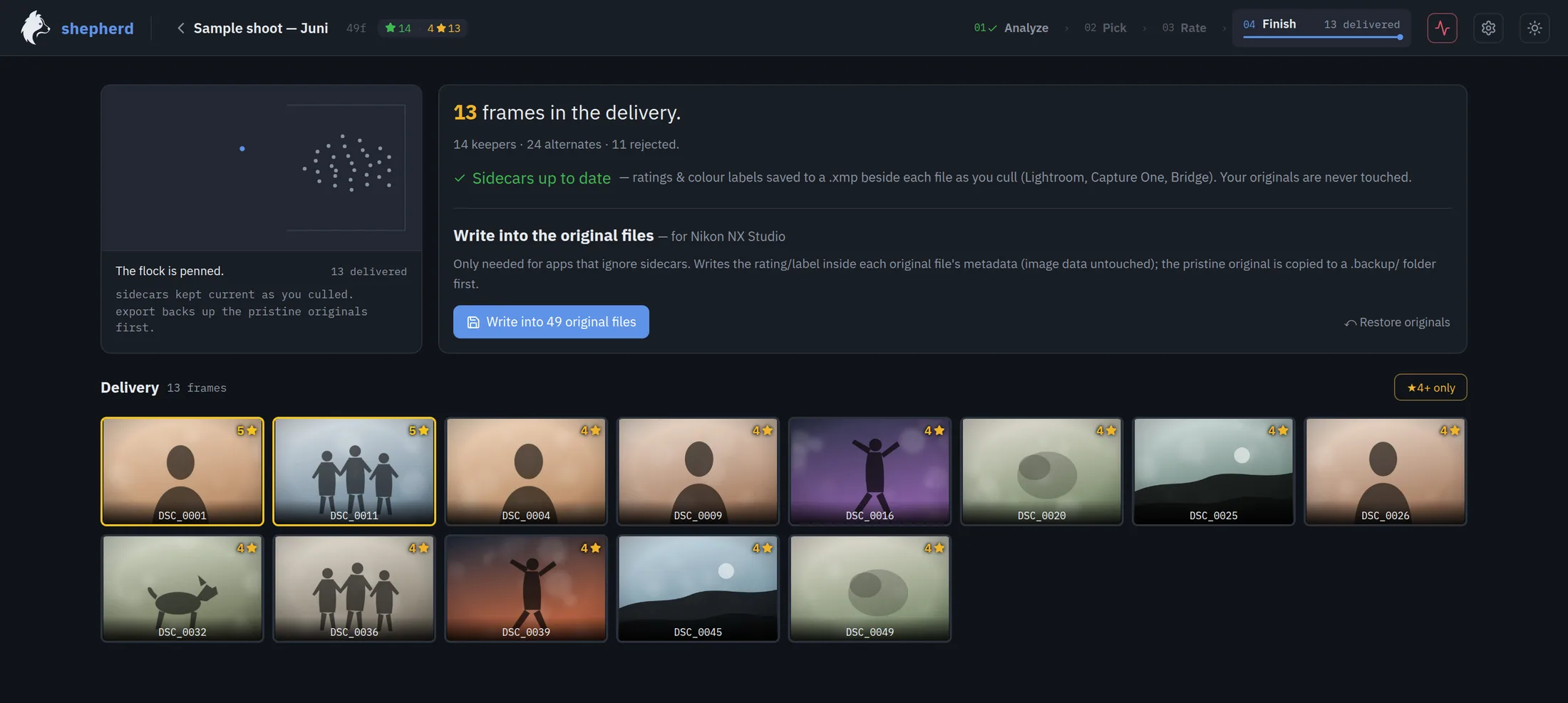
Not without a backup. By default your decisions go into XMP sidecar files next to
the photos and the originals stay untouched, byte for byte.
Starting with the package Flock, you can ask shepherd to write the
rating into the file itself, which some editors need because they ignore sidecar
files. Before writing, shepherd copies the untouched original into a backup folder
by default. You can put every one of them back.
Does shepherd work with Lightroom and Capture One?
Yes. Sidecar files and metadata are how these programs already talk to each other: Lightroom,
Capture One, Photo Mechanic, Bridge and FastRawViewer all read the stars and
colour labels.
shepherd sits before your favourite editor and has no ambition to
replace it.
Which cameras and file types does shepherd support?
The usual RAW formats from the usual manufacturers, plus JPEG, PNG, TIFF and WebP. By the way, a RAW+JPEG pair
of the same shot counts as one photo.
Some metadata that is important for the analysis is missing in some RAW formats.
Then shepherd cannot evaluate it. This affects e.g. the focus indicator.
If you shoot something unusual, send me the camera model and I'll tell you
straight whether it works.
What hardware do I need?
A normal current laptop or desktop PC. Everything runs on the CPU, so there's no
graphics card to buy and nothing falls back to the cloud. More cores means the
flock of frames comes in faster as shepherd uses everything which is available by default.
Starting with the package Flock, shepherd can be told to use only some of the resources of your
computer so that you can continue working in other programs at the same time.
In the package Range, shepherd learns from your decisions and corrections.
The training runs on your computer and does not require any special hardware.
Really no subscription?
Really. One payment for the package you pick. No monthly fee, no charge per
image, no API credits or tokens.
The analysis runs on hardware you already paid for.
How do I get my licence key?
By email, as soon as the payment clears. It looks like
SHEPHERD-XXXXX-XXXXX-XXXXX. Paste it into shepherd
once, under Activate.
The licence doesn't expire and shepherd keeps culling offline.
shepherd reaches out to the licence server now and then only to re-confirm the licence is still valid.
How many computers can I use shepherd on?
Field covers one. Flock and Range cover two
on one key. Ideal for your desktop and a laptop.
If you replace a machine, release its slot from inside the app and activate the new one.
What if I disagree with its picks?
Then you overrule them. That's just one keystroke, and the shoot is yours again.
shepherd never writes down a decision you didn't confirm.
On Range those corrections are exactly what it trains on, on your
machine, so it moves towards your eye rather than an average one.
Can I move between packages later?
Yes. They're the same program, so moving up a package means paying the difference and
nothing else. Write to me and I'll sort it out.